Dinner together
Dinner is at seven. Your phone at half past eight.
You want to scroll less. Your thumb has other plans. Locki locks your phone away until the time is up.
Free shipping

A quick check turns into an hour of scrolling. That is not your fault: apps are built to keep you hooked, and willpower runs out. Locki takes the temptation out of your hands. Phone in, pick a time, shut. Only when the time is up can you get to it again.
Order now€34,95
No app, no account. Everything is on the lid.

Press the open button on the side, twist open the lid and put your phone in.
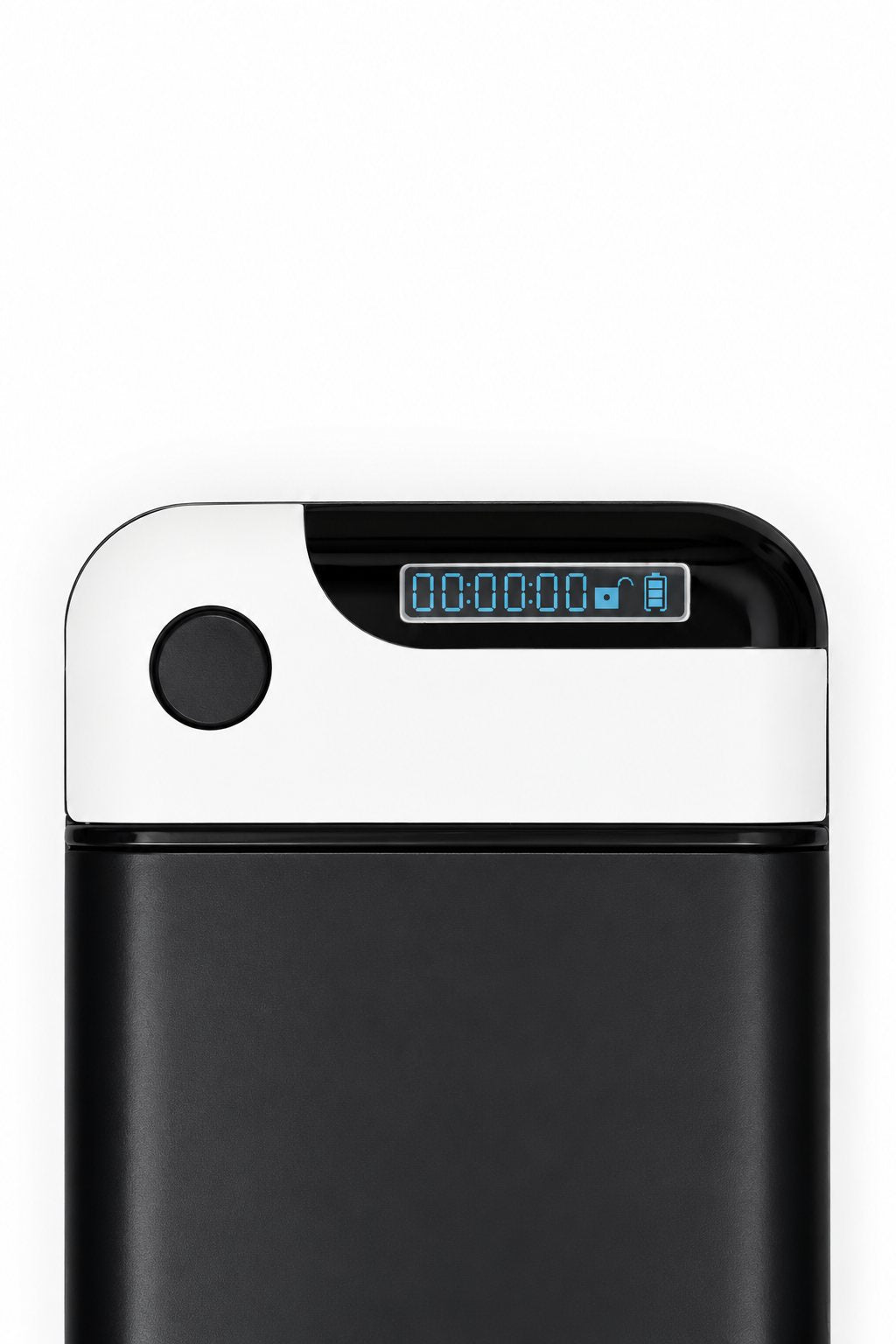
Press the round set button. One short press adds five minutes, two short presses add an hour.
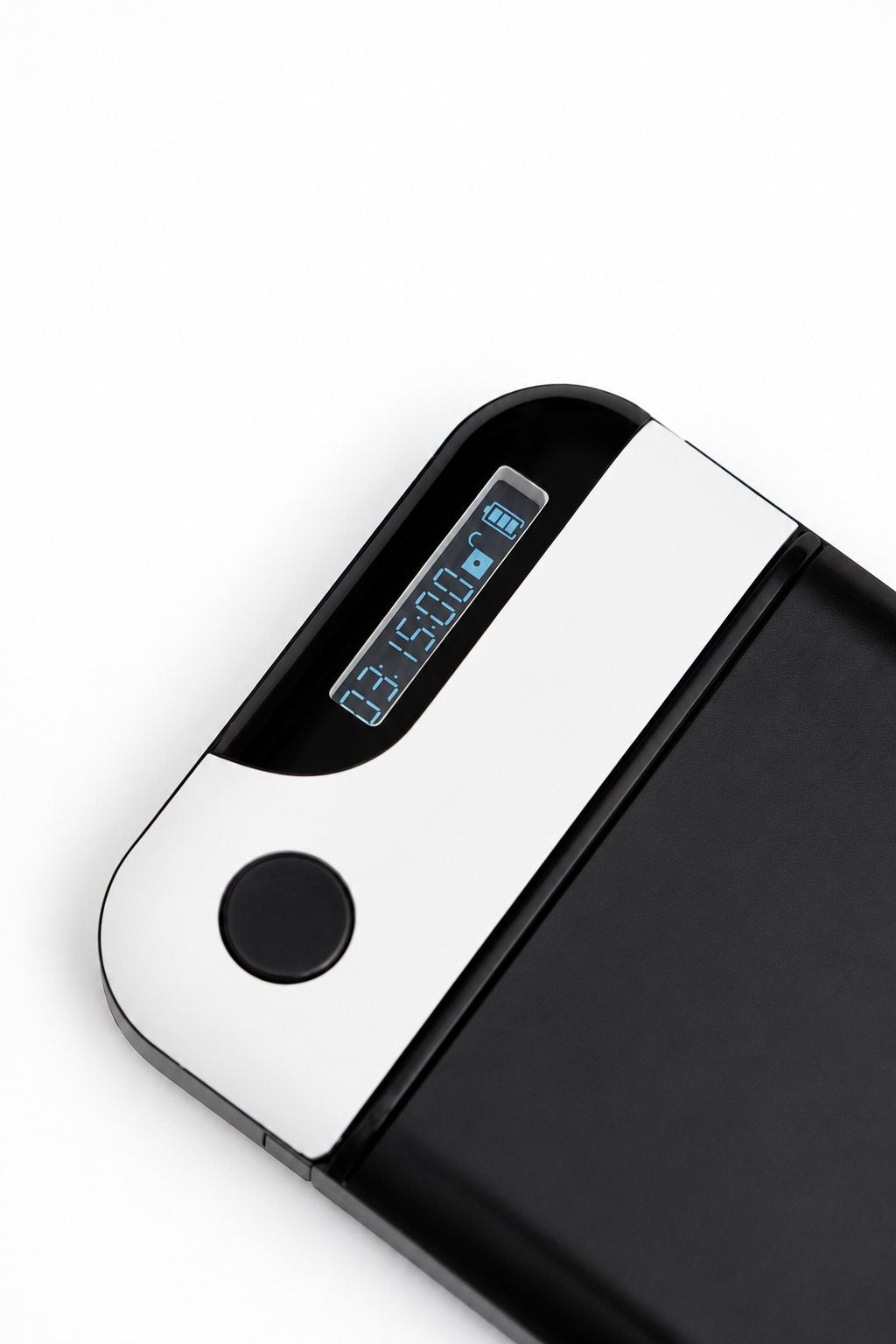
Hold the set button for two seconds. After a count of five it locks, until the time is up.
Free shipping · 14-day returns
With most solutions, the way out is on your phone. With Locki, your phone is behind a lock.
In an emergency, you can open Locki twice.
Hold the set button for 10 seconds and the lock opens. After those two times, the emergency unlock is off for good. Locki then only opens when the time is up. No workarounds, not even through us.
See the emergency unlock in 3DDinner is at seven. Your phone at half past eight.
No quick last check. Tomorrow is another day.
Forty-five minutes with one book. Then you can look.
A whole hour without checking the score.
Everyone looks at each other. Even your mother-in-law.
Half an hour of cycling without stopping for a notification.
Phone
4:27hours a day
That is how long young people spend on their smartphone each day, on average. Measured, not estimated. And the phone keeps gaining ground: worldwide, 57% of our time online now goes through the phone, up from 27% in 2013.
Source: Netwerk Mediawijsheid and DirectResearch, Gezond met je scherm, 2025. Dutch Gen Z.Share of our online time that goes through the phone, worldwide
| 2013 | 27% |
| 2019 | 51% |
| 2024 | 57% |
Social media
2:21hours a day
In 2012 it was an hour and a half.
Source: GWI via DataReportal and Statista, 2025. Internet users worldwide.| 2012 | 1:30 |
| 2025 | 2:21 |
Focus
0:47sec
In 2004 it was two and a half minutes.
Source: Gloria Mark, Attention Span, 2023.| 2004 | 2:30 |
| 2012 | 1:15 |
| 2016-2020 | 0:47 |
of Dutch secondary school students say their smartphone costs them homework or study time.
Source: HBSC 2025, Trimbos Institute, Utrecht University and SCP, 2026times you pick up your phone on your own. Without a notification.
Source: Heitmayer & Lahlou, Computers in Human Behavior, 2021is how long women aged 16 to 24 scroll through social media and video. More than a whole day.
Source: GWI via DataReportal, Digital 2026These are research findings, not results from Locki. They show what is changing, not that screens are the only cause.

On the side of the lid. Only works again when the time is up.
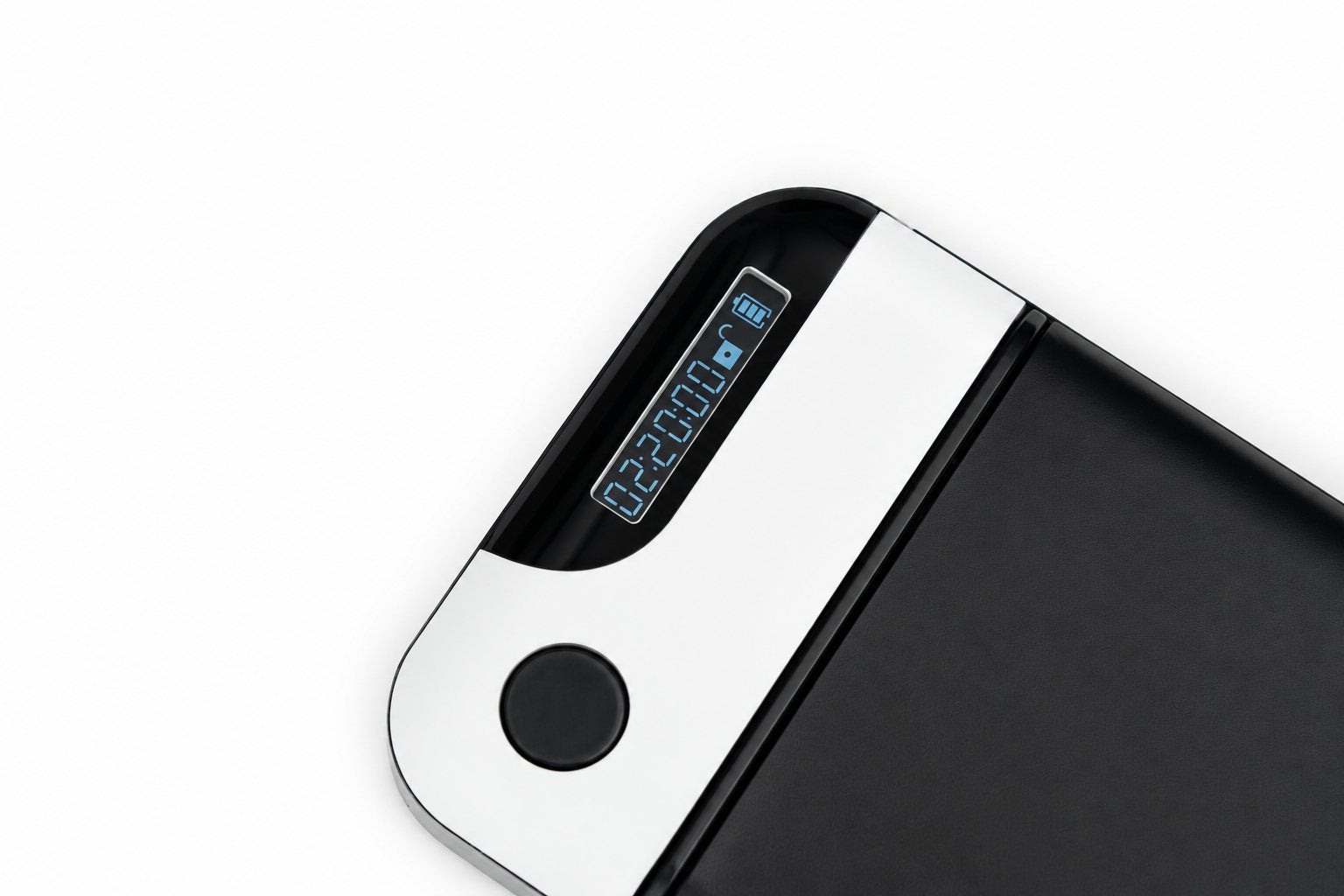
The time remaining, the lock and the battery.

On top of the lid. Fully charged, Locki lasts 45+ days.
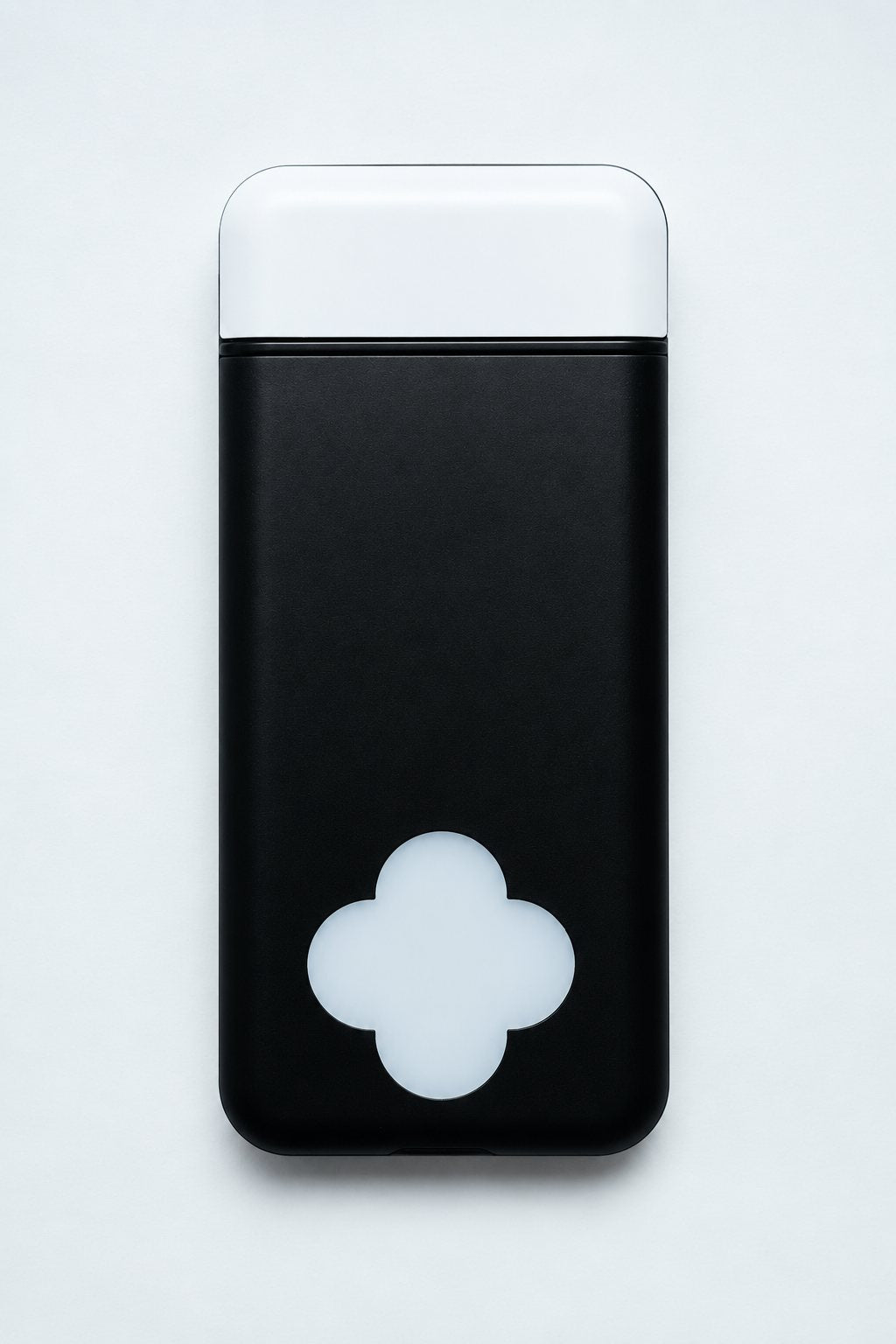
On the back. If your phone rings, take out the clover and answer.
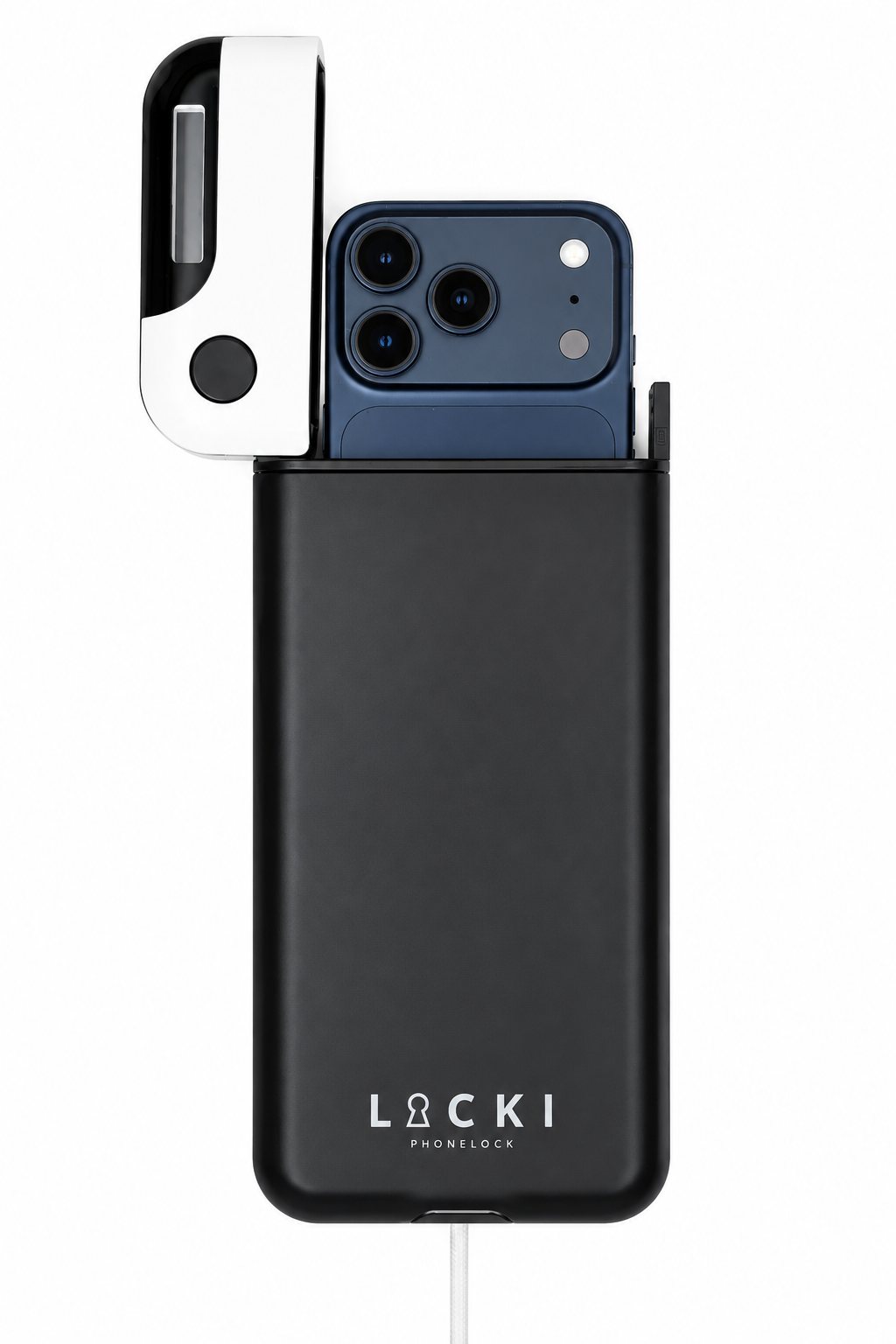
Your phone can charge inside Locki. The cable goes through the hole at the bottom.

Free shipping
Charge via the USB-C port on top of the lid.
Run the charging cable through the hole at the bottom. Then your phone is full too.
Press the set button three times and Locki goes into silent mode.
Even the biggest iPhone, the iPhone 18 Pro Max (6.9 inches), fits.
Those settings live on your phone, so you switch them off just as easily. Locki goes around your phone. Until the time is up, the lid will not open.
Nee. Locki werkt zonder app en zonder abonnement. Je betaalt één keer, alles zit op het deksel.
In an emergency, you can open Locki twice.
Hold the set button for 10 seconds and the lock opens. After those two times, the emergency unlock is off for good. Locki then only opens when the time is up. No workarounds, not even through us.
See the emergency unlock in 3DYes. Put your phone in with the screen facing the clover on the back. If it rings, take out the clover and answer. This is what it looks like.
Only for phones larger than 6.8 inches. Then remove the case and insert only the phone.
Press the set button to turn on the screen. One short press adds five minutes, two short presses add an hour. Then hold the button for two seconds to start. The manual shows you step by step.
Via the USB-C port on top of the lid. Fully charged, it lasts 45+ days. Your phone can charge in the meantime too: run the cable through the hole at the bottom. See it in the manual.
Yes. Locki needs no app, so the brand of your phone does not matter. It just has to fit.
Children may only use Locki under adult supervision.
Nothing. Shipping is always free.
Choose two Lockis and you pay half for the second one. Handy if you do it together.
Yes. You have 14 days to change your mind.
